
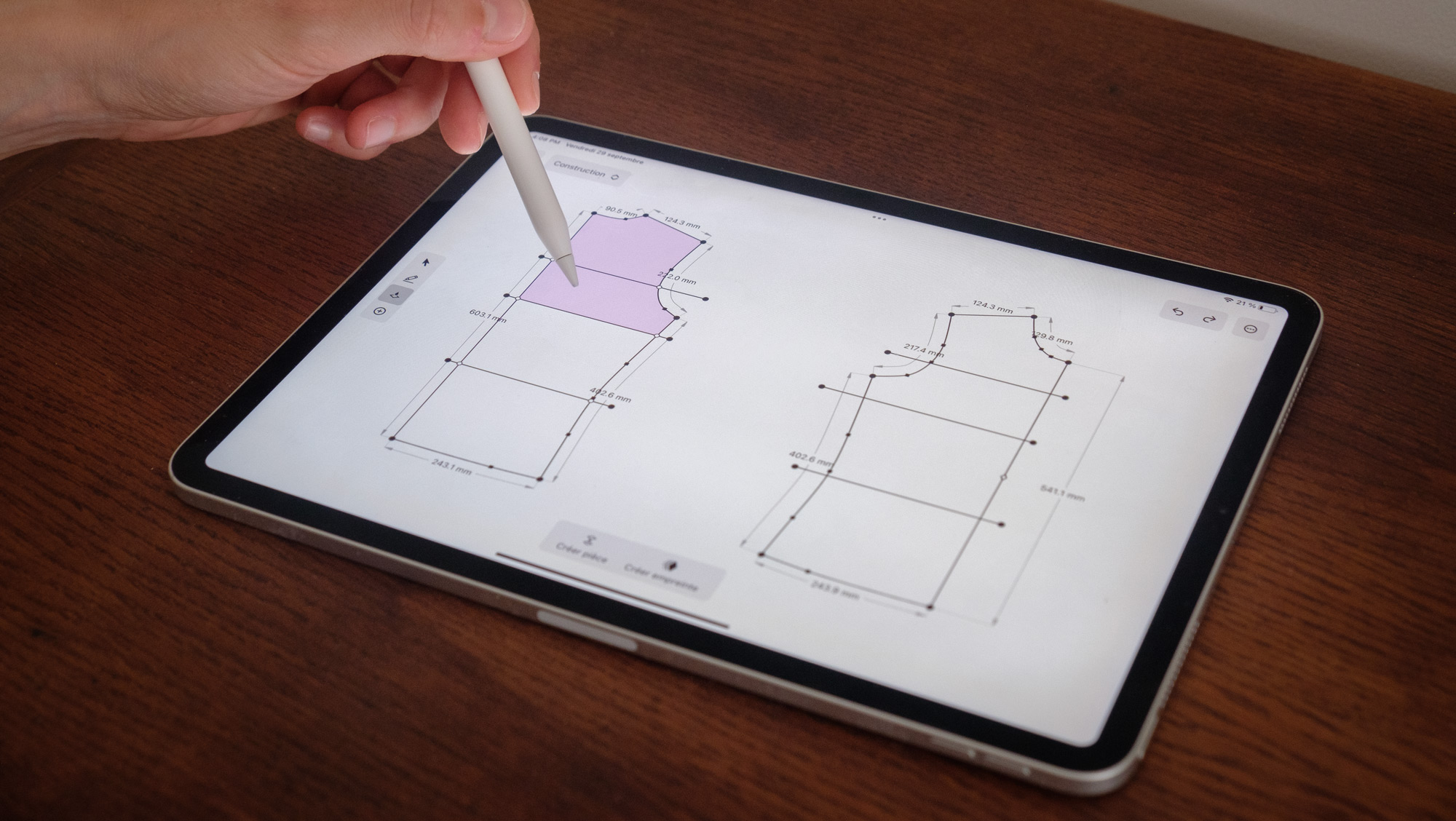
Scan your patterns with your iPhone or iPad

Scan & trace
- Photograph all the pieces of your pattern with your iPhone or iPad.
- Import your images directly into the background of the app's construction mode.
- Trace the lines of your pattern by following the contours of the image in the background.
Modify & transform
- Apply your adjustments and alterations directly on the screen.
- Move any point freely, or by specifying a direction and/or distance.
- Add or convert points to transform your shapes.
- Safely delete any points and lines that are no longer needed.
Measure & verify
- Measure and verify the distances between any two points on your pattern.
- Simulate the assembly of pieces to verify that everything goes together correctly.
Industrialize & export
- Select the shape that you want to extract to create a new piece.
- Add reference points and finishings to your pattern so that they can be correctly sewed together.
- Export your pattern to import it in another vector drawing applidcation.
Create and export all your patterns as SVG or PDF
Compatible with Illustrator or Inkscape